How to Change Battle Effects Using ZERO Injector (2026 )
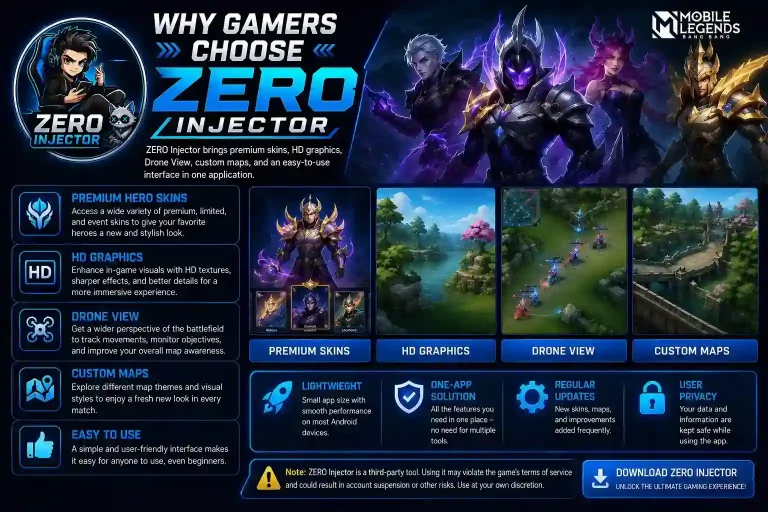
Changing battle effects is one of the most popular features available in ZERO Injector. It allows Mobile Legends players to customize in-game visual effects, including skill animations, recall effects, spawn effects, elimination effects, and more. While these changes are only visual, they can make your gameplay feel more exciting and personalized. This guide explains how to change battle effects using ZERO Injector safely and correctly.
What Are Battle Effects in ZERO Injector?
Battle effects in ZERO Injector are cosmetic visual animations that change how certain in-game actions look during a Mobile Legends match. Instead of using the standard effects provided by the game, ZERO Injector allows players to apply a variety of premium-style animations that make battles feel more dynamic and visually appealing. These modifications focus only on appearance and are designed to enhance the overall gaming experience without changing hero abilities, damage, or other core gameplay mechanics.
Depending on the version of ZERO Injector you’re using, you can access a wide selection of battle effects inspired by premium skins and special in-game events. Players can choose different visual styles to match their favorite heroes or create a more personalized look while playing.
Some of the most popular battle effects available include
One of the biggest advantages of using ZERO Injector is the ability to refresh the game’s appearance without affecting how Mobile Legends is played. Whether you enjoy flashy skill animations, premium recall effects, or exclusive elimination effects, battle effects let you personalize your matches and make every game feel more exciting and visually immersive
Requirements Before You Start
Before changing battle effects, make sure you have the following:
| Requirement | Details |
| ZERO Injector | Latest version installed |
| Mobile Legends | Updated to the newest version |
| Android Device | Android 7.0 or above |
| Storage | At least 500 MB free space |
| Internet Connection | Required for downloading effect files |
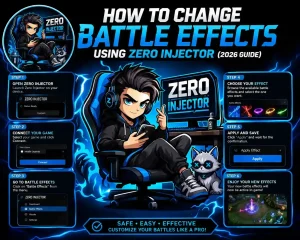
How to Change Battle Effects Using ZERO Injector
Changing battle effects with ZERO Injector is a quick process if you follow the correct steps. Before you begin, make sure you have downloaded the latest version of the app and that Mobile Legends is completely closed. Using an outdated version may cause some battle effects to fail or not appear in the game. Once everything is ready, follow the guide below.
Download the Latest ZERO Injector
Start by downloading and installing the latest version of ZERO Injector. Developers regularly update the application to support newly released Mobile Legends battle effects, skins, and game resources. If you are using an older version, some effects may be missing or fail to inject correctly. After installing the latest update, grant any required storage permissions before opening the app.
Completely Close Mobile Legends
Before launching ZERO Injector, make sure Mobile Legends is not running in the background. Simply minimizing the game is not enough. Close it completely and remove it from your recent apps list. This helps prevent loading conflicts and ensures the injector can modify the selected game resources successfully.
Launch ZERO Injector
Open ZERO Injector and wait a few seconds for the application to load all available features. Depending on the version you’re using, the main dashboard may display different customization options, including skins, battle effects, recall effects, spawn effects, emotes, and more. Make sure the app finishes loading before selecting any feature.
Open the Battle Effects Menu
From the ZERO Injector home screen, navigate to the Battle Effects section. This category contains a collection of visual battle animations that replace the default in-game effects. Depending on the latest update, you may see dozens of different premium battle effects available for preview.
Select Your Favorite Battle Effect
Browse through the available collection and choose the battle effect you want to use. ZERO Injector usually offers a wide variety of premium visual effects, including:
Many versions also allow you to preview each effect before applying it, making it easier to choose the one that matches your favorite hero or playing style.
Tap the Inject Button
After selecting your preferred battle effect, tap the Inject button. The application will begin applying the selected resources to the game. During this process, you’ll see a progress bar showing the injection status. Wait patiently until it reaches 100% and displays a success message. Avoid closing the application or switching between apps while the injection is in progress.
Open Mobile Legends and Test the Effect
Once the injection is complete, launch Mobile Legends normally. To confirm that the new battle effect has been applied successfully, enter one of the following game modes:
Use your hero’s skills during gameplay and watch for the new battle animations. If the selected battle effect appears correctly, the injection was successful. If the default effects are still showing, restart both the game and ZERO Injector, then repeat the process using the latest version of the ap
Types of Battle Effects Available
ZERO Injector usually includes various categories of effects.
| Battle Effect | Description |
| Recall Effects | Premium recall animations |
| Spawn Effects | Entrance animation at the beginning of a match |
| Elimination Effects | Visual effect after defeating an enemy |
| Kill Effects | Special animations for kills |
| Skill Effects | Enhanced hero skill visuals |
| Sacred Statue Effects | Decorative base statue appearances |
Benefits of Changing Battle Effects Using ZERO Injector
Battle effects are one of the easiest ways to refresh the visual experience in Mobile Legends. While they don’t change how your hero performs, they can make every match feel more exciting with unique animations and premium-style effects. ZERO Injector gives players access to a variety of battle effects that help personalize gameplay without requiring complex setup.
Better Visual Experience
One of the biggest advantages of changing battle effects is the improved visual quality during battles. Premium battle animations feature brighter colors, smoother transitions, and more impressive skill effects than the default ones. Whether you’re eliminating enemies or using powerful hero abilities, custom effects can make every moment feel more immersive and enjoyable.
Personalize Your Gameplay
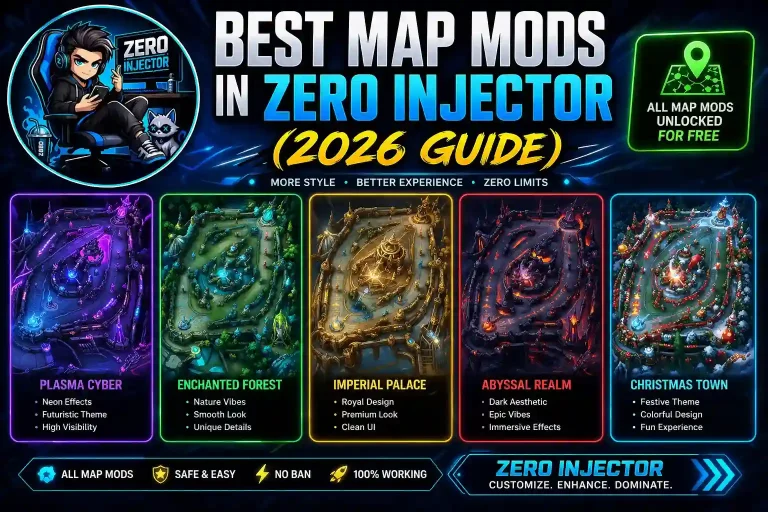
Every Mobile Legends player has a unique playing style, and battle effects let you reflect that personality in-game. ZERO Injector offers a wide range of visual themes, including Epic, Collector, Anniversary, and Limited Event battle effects. You can easily choose animations that match your favorite hero, skin, or overall game style, giving your account a more customized appearance.
Easy to Apply
Unlike many modification tools that require complicated settings, ZERO Injector is designed with a simple and user-friendly interface. Even beginners can browse available battle effects, preview them, and apply their favorites with just a few taps. The straightforward injection process makes switching between different effects fast and convenient.
Regularly Updated Effects
Mobile Legends frequently introduces new skins, events, and visual effects. To keep up with these changes, ZERO Injector receives regular updates that add support for newly released battle effects. By using the latest version of the app, you’ll have access to the newest visual animations shortly after major game updates.
Common Problems and Fixes
Although changing battle effects is usually straightforward, you may occasionally encounter technical issues. Fortunately, most problems can be resolved within a few minutes by following the troubleshooting tips below.
Battle Effects Not Showing
Sometimes the selected battle effects don’t appear after launching Mobile Legends. This is one of the most common issues and is usually caused by compatibility or injection problems.
Possible Causes
How to Fix It
Injection Failed
If the injector displays an error or stops before completing the process, there may be a problem with your device or downloaded files.
Possible Causes
How to Fix It
ZERO Injector Crashes During Injection
Occasionally, the application may close unexpectedly while applying battle effects. This usually happens because of outdated software or temporary system issues.
How to Fix It
Battle Effects Reset After a Mobile Legends Update
After Mobile Legends releases a new patch, custom battle effects may disappear or return to their default appearance. This is completely normal because game updates often replace modified resource files.
How to Fix It
Tips for Better Results
Following a few best practices can significantly improve your experience when changing battle effects.
These simple habits can reduce compatibility issues and help ensure your selected battle effects work correctly every time.
Frequently Asked Questions
Conclusion
Changing battle effects with ZERO Injector is a simple way to give Mobile Legends a fresh and more personalized look. Whether you prefer Collector, Epic, Anniversary, or Limited Event animations, the app lets you apply different visual effects quickly through an easy-to-use interface. By following the correct injection steps, keeping both ZERO Injector and Mobile Legends updated, and testing new effects in Training Camp or Classic Mode first, you can enjoy smoother customization while minimizing common issues like failed injections, missing animations, or compatibility errors.